









UX|AI Ops
A look at how I’ve learned and applied AI to optimize my workflow and support my team while having a little fun along the way.
Explored prompt engineering and vibe coding to build custom Figma plugins, rapidly build mockups and prototypes, and even create a small Unity 3D game for fun.
CUSTOM FIGMA PLUGINS
Generated JavaScript and HTML codes using Claude AI to build custom plugins that help me and my team with our workflow
Color variables
I’m designing the UI and building a design system from scratch for a game at The Verse. Within this game, each realm has its own aesthetic and color language, and even within a single realm we needed multiple variations of each color for different use cases. Manually creating and updating these variables was taking the team weeks. THERE HAD TO BE A BETTER WAY!
So, I created this plugin that auto-generates color variables including token names
Impact: Streamlined the process from weeks to mere minutes!
JSON to string variables
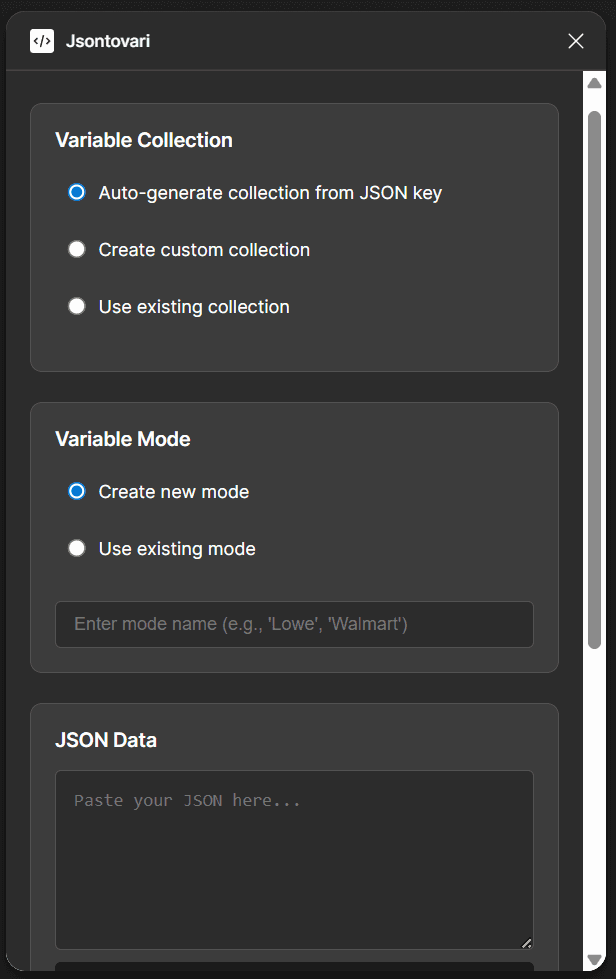
Video coming soon!
Takes JSON from the engineering team to generate mock data for design screens - no more manually filling content!
Impact: Reduced designers’ cognitive load by auto-generating appropriate mock-data and saved hours of manual effort previously spent filling in each detail.
Try it
BUILD APPS - CURSOR AI
I can build functioning apps using Cursor AI, allowing me to quickly turn concepts into MVPs and gather real feedback from users and stakeholders by testing live experiences rather than showing Figma prototypes.
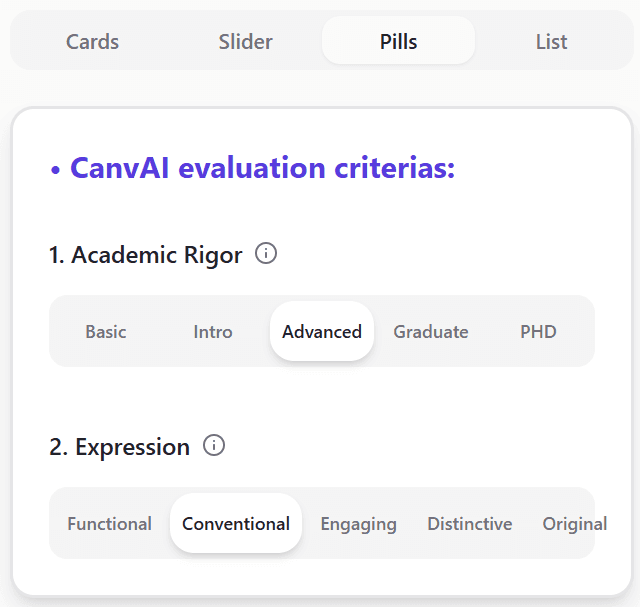
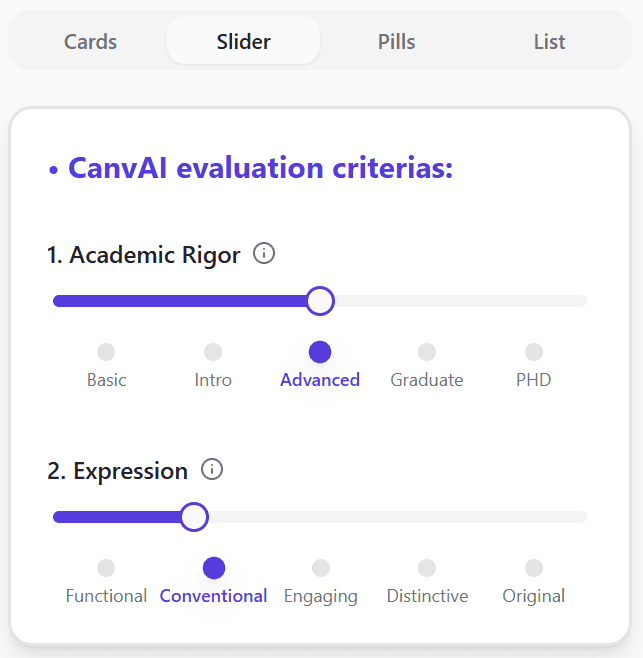
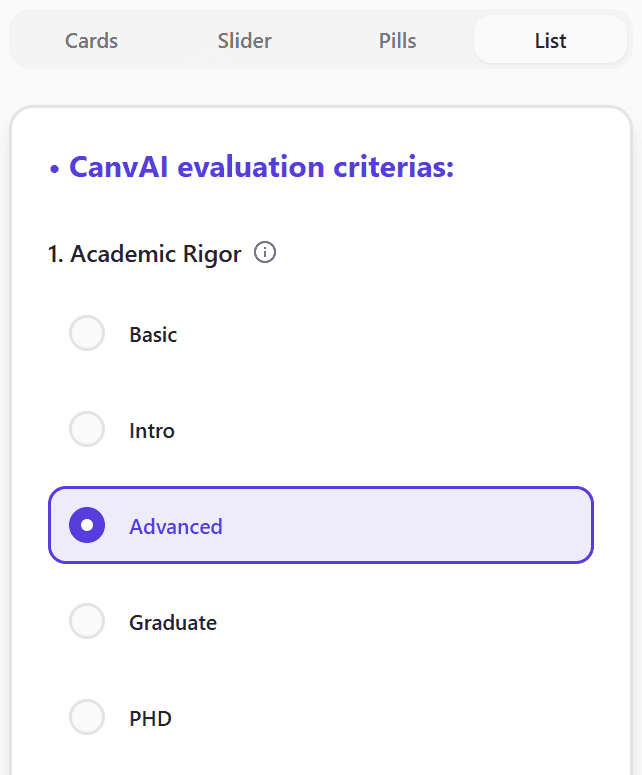
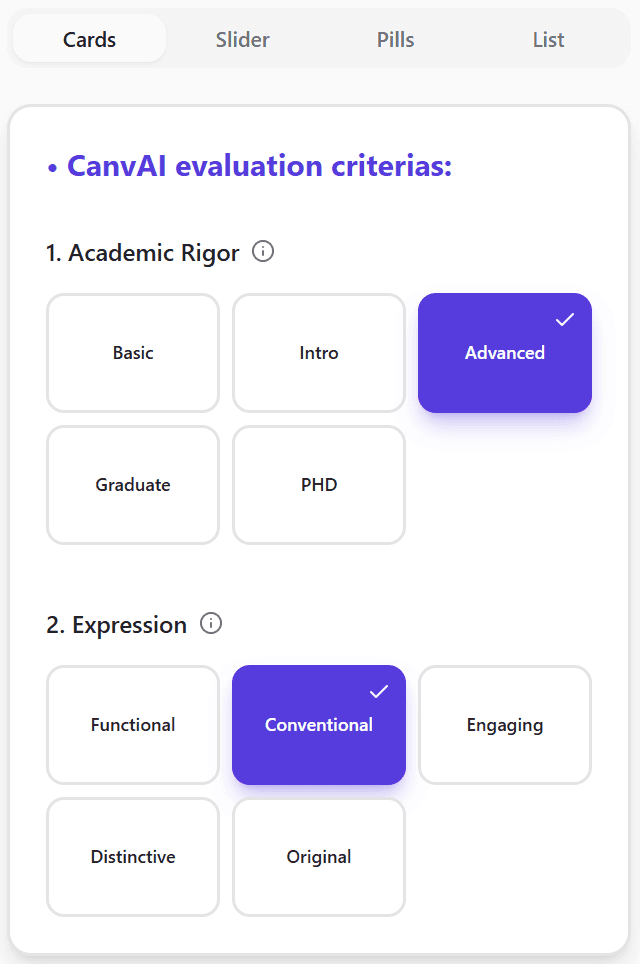
I built this functioning MVP using Groq AI's API for my CanvasAI project
PRODUCT CREATION AI TOOLS
I use pre-built dev tools when I either need to move really quickly, or need some other ideas to compare my solution with. I usually go deep, zoom in, and generate very specific ideas. For example, in my CanvasAI project, instead of going ahead with my one solution, I thought of developing more options quickly using Lovable AI. It gave me a clearer idea to different approaches, and why the one I made makes the most sense.
I explored different display styles when I had to move fast (hover to pause)
Tools I use
Figma Make

Lovable

Base 44

Bolt AI
PROMPT ENGINEERING
While studying AI, I discovered several prompt techniques that work incredibly well for research, design, and media creation. They can be a bit long at first, but they lead to clearer insights and much smoother conversations.
Why?
Writing smaller prompts gave irrelevant answers, making me prompt more with each unsuccessful step. Eventually, it consumed more time, and didn't produce the result I was hoping.
ROCKIT
Role, Opportunity, Context, Knowledge, Instruction and Tone
When you want AI to provide precise, detailed and context-aware insights, rather than surface-level answers
Instead of: How can I make the onboarding process easier?
Try: Act as a UX Designer (Role) specializing in onboarding experiences for fitness apps (Opportunity). Users want diet and exercise recommendations, but many drop off during onboarding due to information overload (Context). Drawing inspiration from successful fitness apps, suggest 4-5 wats to streamline onboarding while keeping it engaging and minimal (Instruction). User UX best practices like progressive disclosure, personalization (Knowledge). Provide one-sentence data-backed reasoning for each suggestion in a clear, user-friendly tone (Tone)
CORA
Context, Objective, Restriction, Action
When you want AI to work within specific constraints like time, accessibility, technical etc.
Instead of: Why do people abandon online forms before submitting them?
Try: I'm researching user behavior patterns for an e-commerce checkout redesign project where we're seeing a 60% form abandonment rate (Context). I need to understand the primary reasons why users abandon online forms before completing them, so I can prioritize which issues to address first in our redesign. (Objective). Focus on behavioral and UX factors rather than technical issues like page load times or bugs (Restriction). Provide the top 5-7 reasons for form abandonment, ranked by frequency or impact, with a brief explanation of each and any relevant data or research that supports it (Action)
More such interesting methods:
MOT | COT
Message, Outcome, Type | Context, Outcome, Tone
When you want to focus on simple tasks but still want some meaningful insights. Where the problem is clear and doesn't require complex reasoning
RAPID
Role, Audience, Purpose, Instruction, Delivery
A shorter version of the ROCKIT method - when you want AI to provide clearer, audience specific insights
PARA
Purpose, Action, Result, Adjust
When you want AI to give multiple options and refine them based on your feedback
STOP
Situation, Task, Output, Process
When you want to break down a process (situation) into step-by-step insights. When you're understanding how a system works
GAME DESIGN
Learnt how to build my own game using AI in Unity 3D software. In this game, I've generated custom C# scripts using ChatGPT. Here, I've customized player and camera movements, prominent game features and interactions!
REFLECTIONS
Learnt how to build my own game using AI in Unity 3D software. In this game, I've generated custom C# scripts using ChatGPT. Here, I've customized player and camera movements, prominent game features and interactions!
Step-by-Step
When building with AI, its best to do it step-by-step. Providing all the context at once can confuse AI and end up generating irrelevant results.
Try: Build the 1st step and say "Don't change anything but add…" as you get each step right.
Background research
AI can suggest how to build things, but it’s not always accurate or optimal. Do some quick research on tools, tech, and platforms first—then use AI to generate the specifics.
COMING SOON…
Learning to build apps and integrate AI agents using Cursor AI/Replit! Stay tuned!